

A good round of Geo Adventures starts with looking around and wondering where in the world you have landed. I wanted iPhone Duo to make that moment feel good on both screens: a quick game on the cover, and more room to explore when you open it.
The iPhone Duo layout came in version 1.4.0. Here is the fold in action, with sample game screens below.
More space to play and guess
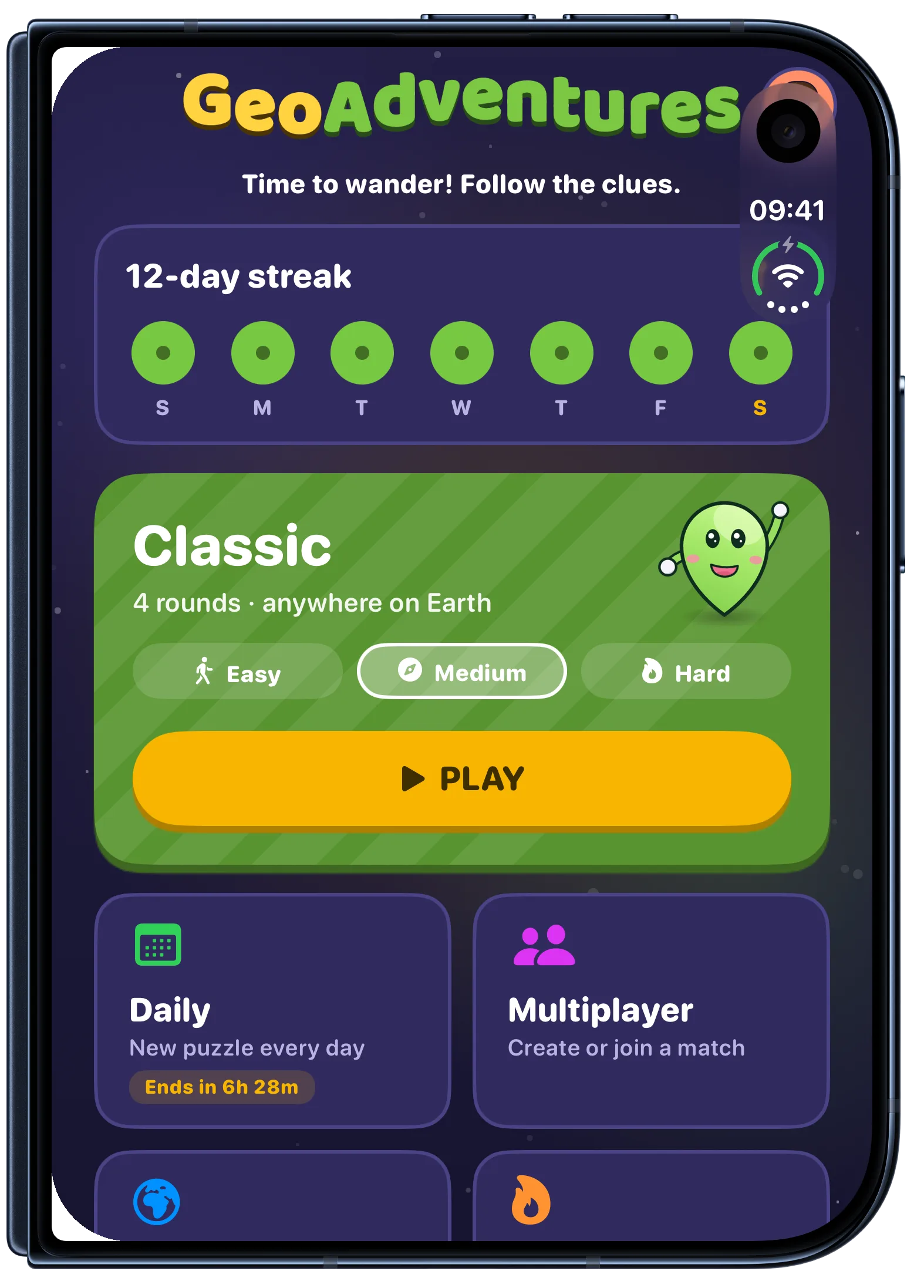
The cover screen keeps the game modes and your progress together when you want to start a quick round.
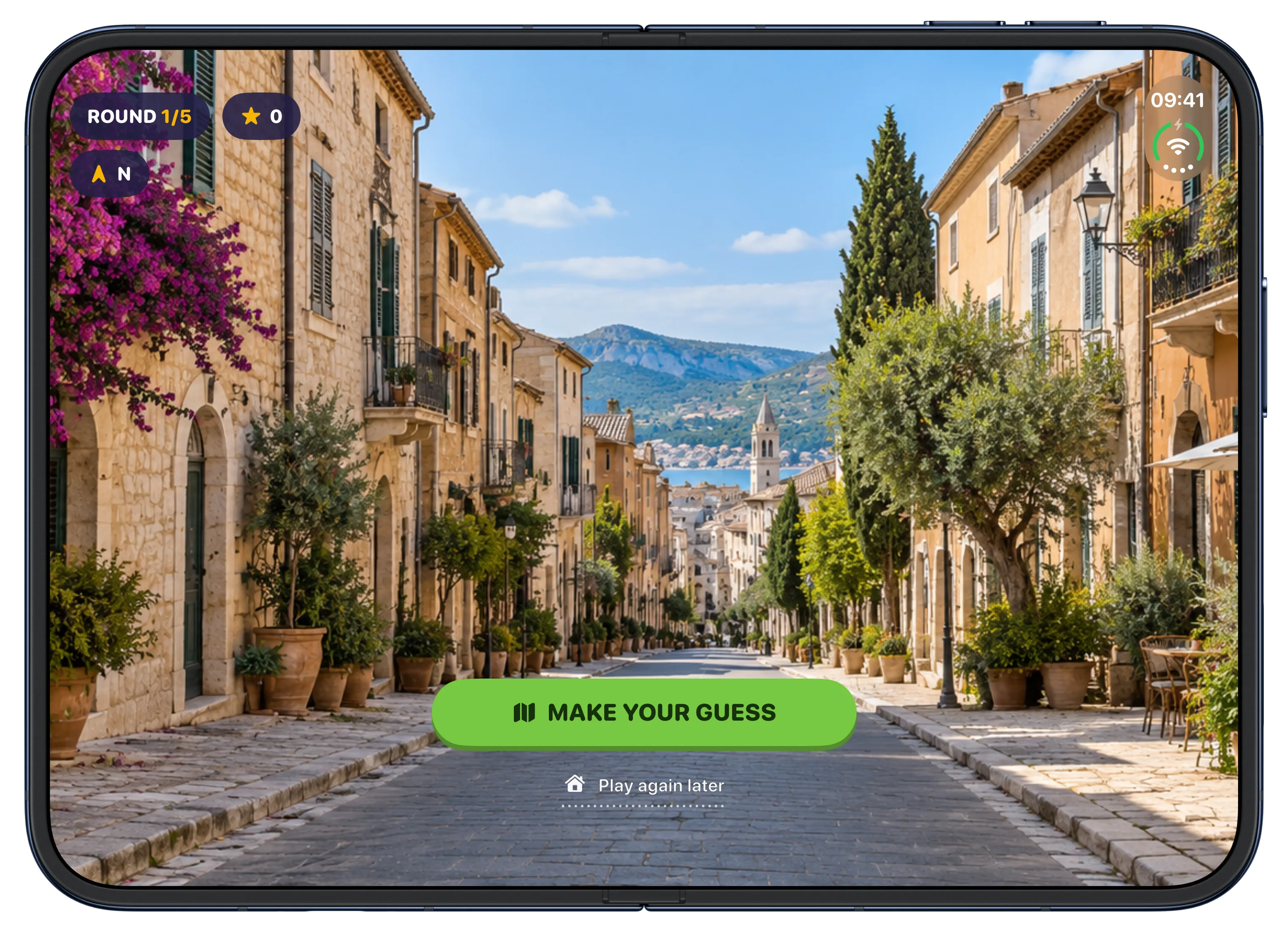
Open the phone in landscape and the scene gets the space it deserves. I want the place itself to be the first thing you notice.
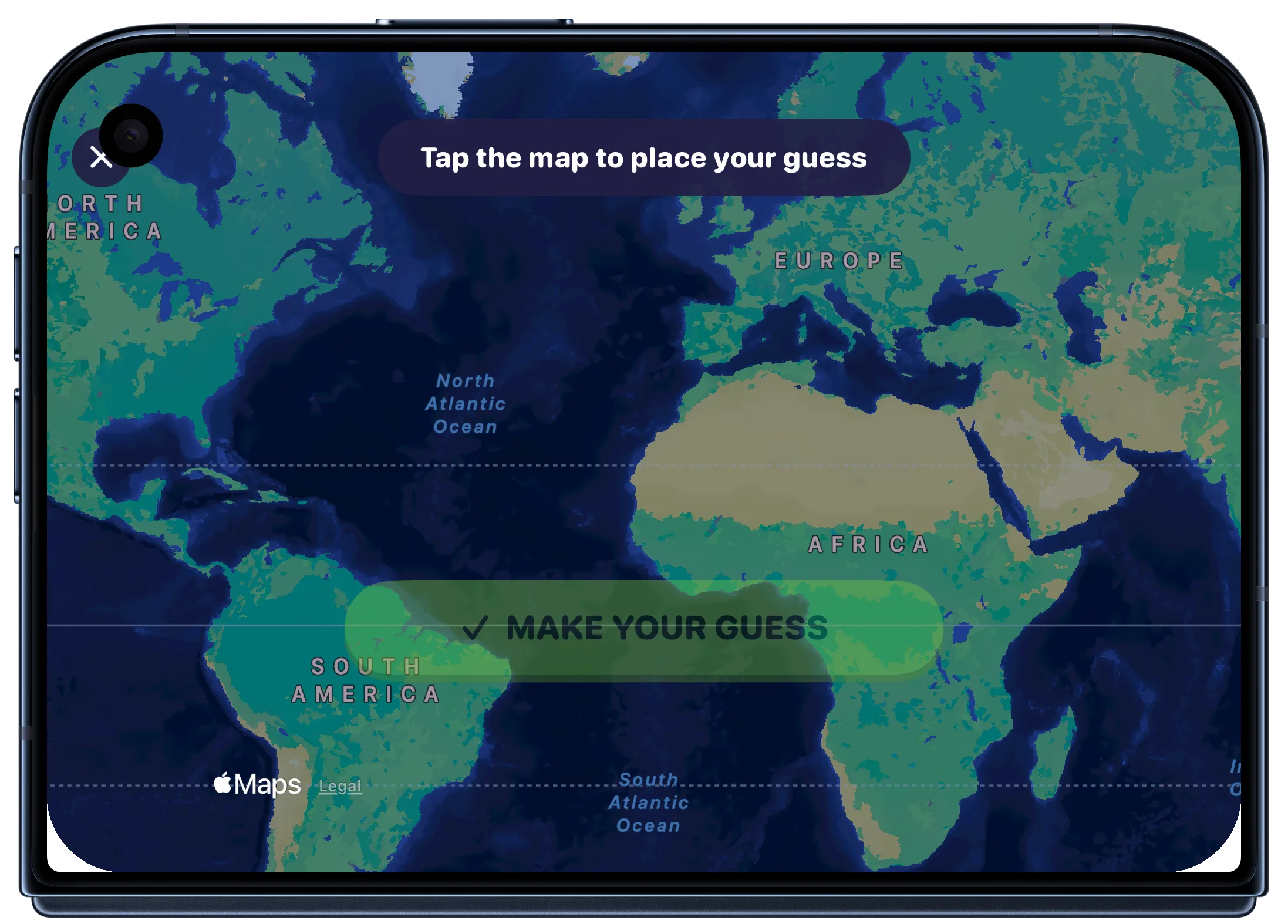
The guess map works on the cover screen too, including in landscape. It is still the same little question: where am I?
For press: Download the iPhone Duo screenshot pack. It has ten app screens, each with and without device bezels.
Thanks for playing Geo Adventures and for telling me where the app could be better. I am building it one improvement at a time, and your support gives me the chance to keep doing that. Happy exploring ❤️
Manuel Escrig